



 Github Stars:
 Last Commit:
  Created:
Overview:
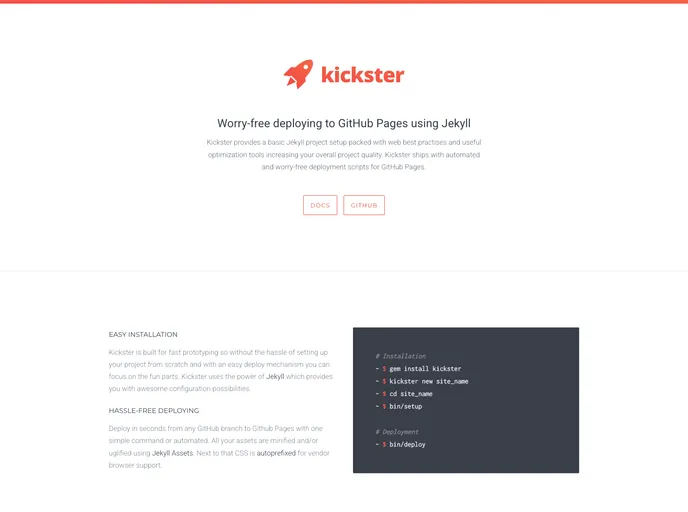
Kickster is a Jekyll project setup that comes with various web best practices and optimization tools, aiming to improve the overall quality of your project. It also includes automated deployment scripts for GitHub Pages. Kickster utilizes tools such as Autoprefixer, Circle CI, Html-proofer, Jekyll Assets, Jekyll Sitemap, and HTML5 Boilerplate.
Features:
- Basic Jekyll project setup
- Web best practices and optimization tools
- Automated deployment scripts for GitHub Pages
Installation:
- Install Ruby and Node.js if you haven’t already. (Windows users can find the installers here and here).
- Install the Kickster gem by executing the following command:
gem install kickster - Scaffold Kickster files by executing the following command:
kickster new my-project - Setup your environment and push your project to a branch other than
gh-pages. Forsitename.github.iorepository users, choose a branch other than master.
Summary:
Kickster is a Jekyll project setup that provides web best practices and optimization tools, along with automated deployment scripts for GitHub Pages. Its features include a basic Jekyll project setup, various optimization tools, and automated deployment. To install Kickster, you need to install Ruby and Node.js, install the Kickster gem, and scaffold Kickster files.



































