



 Github Stars:
 Last Commit:
  Created: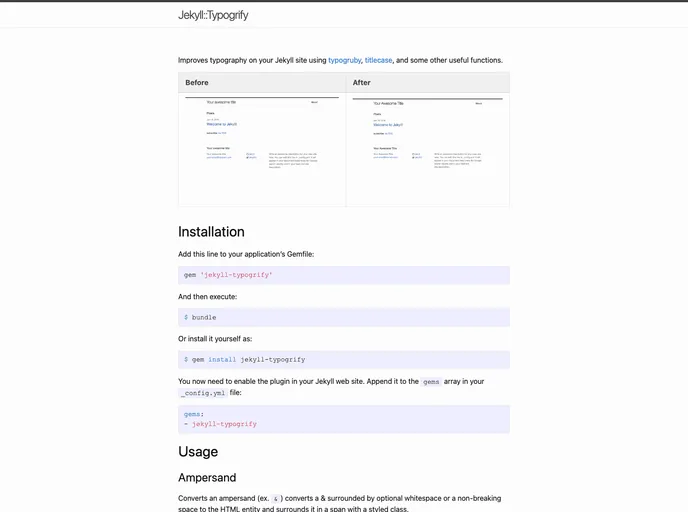
Overview
If you’re looking to enhance the typography on your Jekyll site, the Jekyll::Typogrify gem is a fantastic solution. This gem leverages typogruby to improve text presentation with various stylistic enhancements. From adjusting capitalizations to converting special characters, it allows for a polished and professional appearance for your content that can elevate the reader’s experience.
The installation process is straightforward, making it accessible for developers who want to enhance their project’s typography without a steep learning curve. With customizable features, Jekyll::Typogrify ensures that your site’s text is not only readable but visually appealing as well.
Features
- Ampersand Conversion: Converts ampersands surrounded by optional whitespace to HTML entities and encloses them in a styled span for improved aesthetics.
- Capitalisation Handling: Specifically targets and styles two or more consecutive capital letters, making them stand out without losing clarity.
- Custom Capitalisation: Offers a unique solution for capitalizing text with hyphens, which is not handled effectively by the default typogruby cap module.
- Special Characters to HTML Entities: Automatically converts special characters to HTML entities, ensuring proper display in web browsers.
- Smart Quotes Enclosure: Encloses initial quotes in a styled span for a polished look, whether using single or double quotes.
- Widont Feature: Prevents awkward line breaks by replacing spaces before the last word of a string or tag, keeping content visually intact.
- Titlecase Conversion: Converts text to titlecase, which is particularly useful for headings and important phrases.
- Em Dash Identification: Identifies and styles em dashes within text, contributing to better formatting and readability.
With these features, Jekyll::Typogrify serves as a powerful tool for any developer looking to refine their site’s typography.



































