



 Github Stars:
 Last Commit:
  Created:
Overview:
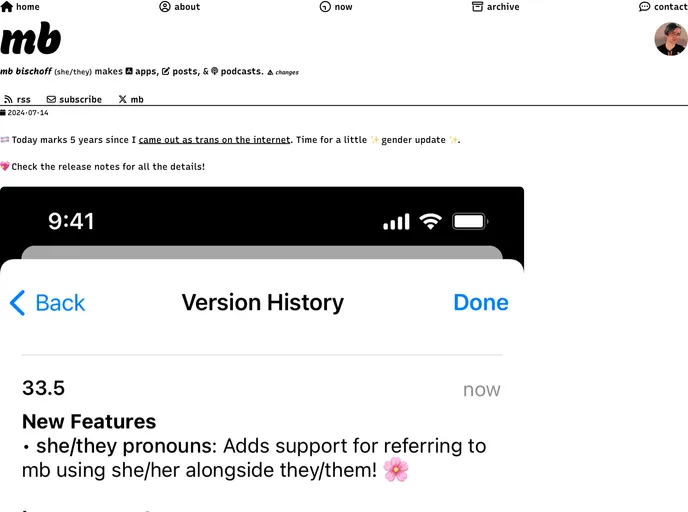
MatthewBischoff.com is a website that allows users to create and manage posts written in markdown format. The website provides a set of guidelines and features for creating posts, including the ability to specify post metadata, set permalinks, add images, and categorize posts.
Features:
- Markdown Formatting: Posts are written in markdown format, making it easy to create well-structured content.
- Permalink Customization: Users can specify the permalink of their posts by setting the title section of the file name.
- Front Matter: Each post uses front matter to define metadata such as title, layout, image, description, format, categories, and tags.
- Social Media Sharing: Users can control how their posts appear on social media platforms by setting the title, image, and description in the front matter.
- Post Layout Options: The format field in the front matter allows users to choose between post, link, or short layout types for their posts.
- Category Creation: Users can manually create categories by adding HTML files in the
_categoryfolder and specifying the category name. - Local Server: The site can be served locally using the command
bundle exec jekyll serve.
Installation:
To install the theme and create posts on MatthewBischoff.com, follow these steps:
- Download and install Jekyll (if not already installed).
- Clone the MatthewBischoff.com repository.
- Navigate to the
_postsfolder and create a new markdown file for your post. - Add your content in markdown format to the file.
- Set the desired metadata in the front matter section of the file, including title, permalink, layout, image, description, format, categories, and tags.
- If you want to truncate your post and add a “Read More” button, insert an HTML comment
<!-- more -->in your post markdown file. - Save and commit your changes.
- Use the command
bundle exec jekyll serveto serve the site locally and preview your posts.
Summary:
MatthewBischoff.com is a website that provides users with a platform to create and manage posts written in markdown format. The website offers various features, including markdown formatting, customizable permalinks, front matter for metadata, social media sharing options, post layout choices, category creation, and local server capabilities. By following the installation instructions, users can easily set up the theme and start creating their own posts on MatthewBischoff.com.



































