



 Github Stars:
 Last Commit:
  Created: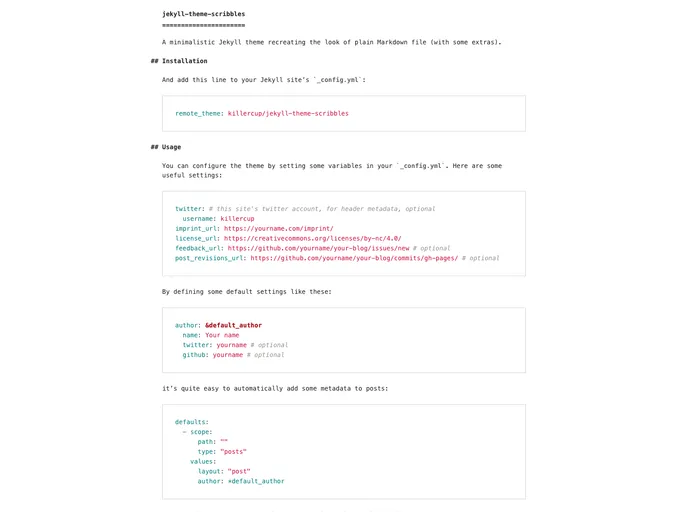
Overview:
The Jekyll theme Scribbles is a minimalistic theme that recreates the look of plain Markdown files with some added features. It is designed to provide a simple and clean aesthetic for websites built with Jekyll.
Features:
- Minimalistic Design: The theme aims to recreate the look of plain Markdown files, providing a clean and distraction-free reading experience.
- Easy Installation: The theme can be easily installed by adding a line to the Jekyll site’s
_config.ymlfile. - Customizable: Users can configure the theme by setting variables in the
_config.ymlfile, allowing for customization of the theme’s appearance.
Installation:
To install the Jekyll theme Scribbles, follow these steps:
Add the following line to your Jekyll site’s
_config.ymlfile:theme: jekyll-theme-scribblesSave the changes to the
_config.ymlfile.Run the Jekyll server to see the theme in action:
bundle exec jekyll serveOpen your browser and navigate to
http://localhost:4000to view your site with the Scribbles theme applied.
Summary:
The Jekyll theme Scribbles is a minimalist theme that recreates the look of plain Markdown files. It offers easy installation and customization options, allowing users to create clean and visually appealing websites with Jekyll. With its simplicity and focus on readability, the Scribbles theme is a great choice for those who prefer a minimalistic design for their websites.



































