



 Github Stars:
 Last Commit:
  Created:

Overview
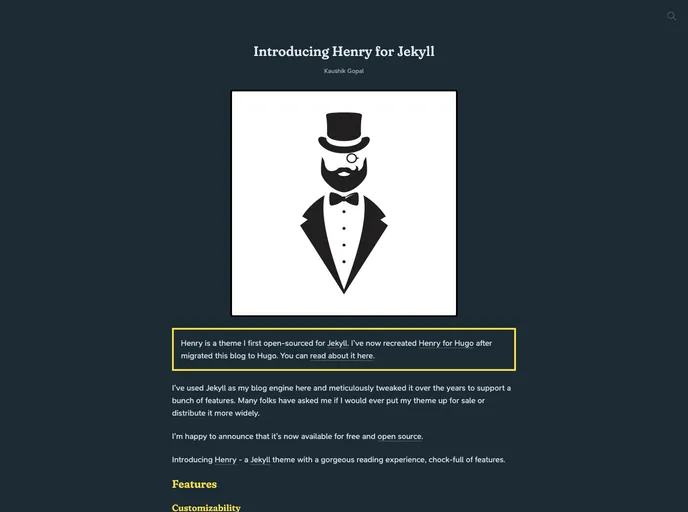
Henry is a Jekyll theme that provides a pleasant reading experience and comes packed with numerous features. It is widely regarded as a versatile theme for bloggers. The theme is open source and is licensed under the MIT License.
Features
- Gorgeous Reading Experience: Henry offers a visually appealing design that enhances the overall reading experience for blog visitors.
- Full of Features: Henry comes with a wide range of features that enhance the functionality and appearance of the blog.
- Easy Setup: Henry provides a Docker configuration file that allows for a straightforward setup process for Jekyll blogs.
- Flexible Publishing Options: Users can choose to publish their blog using Github Pages or Firebase Hosting, both of which are supported by Henry.
- Contribution-friendly: Henry welcomes bug reports and encourages contributors to adhere to the Contributor Covenant code of conduct.
Installation
To get started with Henry, follow these steps:
- Ensure that you have Jekyll installed on your system.
- Download the Henry theme files from the official repository.
- Extract the theme files to a directory of your choice.
- Customize the theme by modifying the necessary settings in the
_config.ymlfile. - Start the Jekyll server and preview the blog locally using the command
bundle exec jekyll serve.
For a more detailed setup guide, including using Docker and alternative publishing options, refer to the official documentation.
Summary
Henry is a Jekyll theme that offers an engaging reading experience and a plethora of features. It provides easy installation options, supports various publishing platforms, and encourages collaboration through its contribution-friendly approach. With Henry, bloggers can create visually appealing and functional websites to showcase their content.



































