



 Github Stars:
 Last Commit:
  Created:
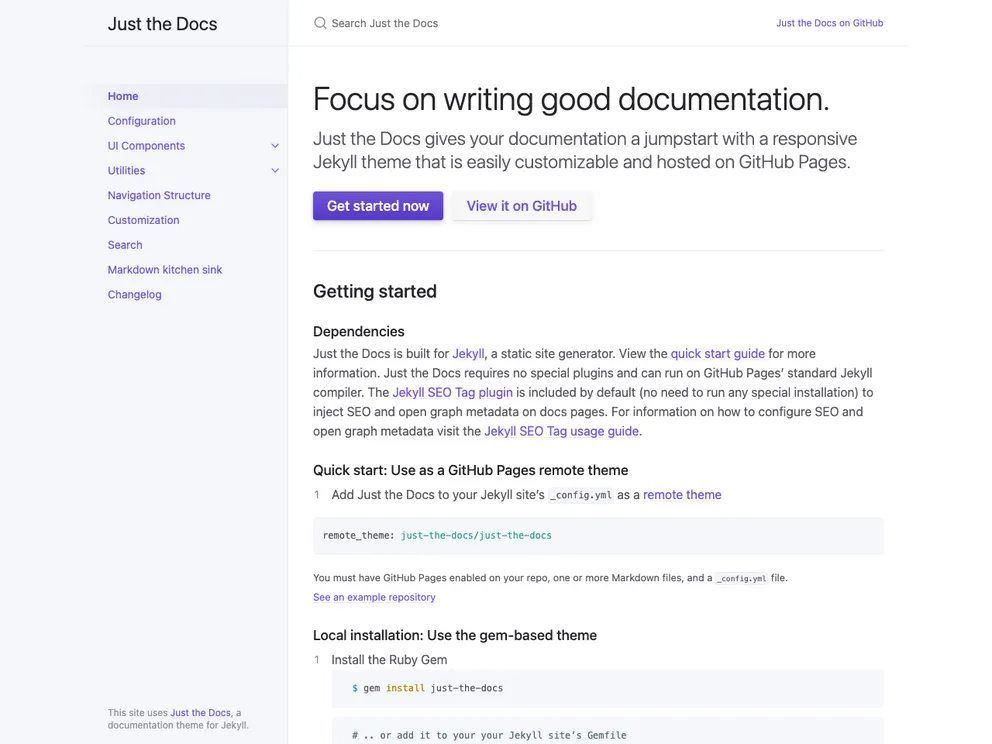
Overview:
The Just the Docs Theme is a simple and easy-to-use theme for creating websites. It offers a minimalist design and provides a gem-based approach using a Gemfile. The theme is intended for use with Jekyll and can be easily customized to suit your needs. It also supports deployment on GitHub Pages and provides a smooth mobile experience.
Features:
- Gem-based approach with a Gemfile and just-the-docs gem
- GitHub Pages/Actions workflow for building and publishing the site
- Customizable with options to change versions of just-the-docs and Jekyll, and add plugins
- Provides a first-class mobile experience
- Supports deployment on platforms other than GitHub Pages
- Can be installed as a Ruby Gem without creating a new site
- Comprehensive documentation for usage information
Installation:
To install the Just the Docs Theme, you can use the template or install it as a Ruby Gem.
Using the template:
- Click on “use the template” to create a new website using the theme.
- Follow the instructions in the template README file to publish the site on GitHub Pages and preview it locally using Jekyll.
Using RubyGems:
- Add the following line to your Jekyll site’s Gemfile:
gem 'just-the-docs'
- Add the following line to your Jekyll site’s _config.yml:
theme: just-the-docs
- Run the following command:
bundle install
- Alternatively, you can install it yourself with:
gem install just-the-docs
Summary:
The Just the Docs Theme is a lightweight and user-friendly theme for creating websites. It offers a simplistic design and easy installation process. Whether you choose to use the template or install it as a Ruby Gem, the theme provides flexibility and customization options. With its support for GitHub Pages and mobile responsiveness, it is a convenient choice for building informative and visually appealing websites.



































