



 Github Stars:
 Last Commit:
  Created:
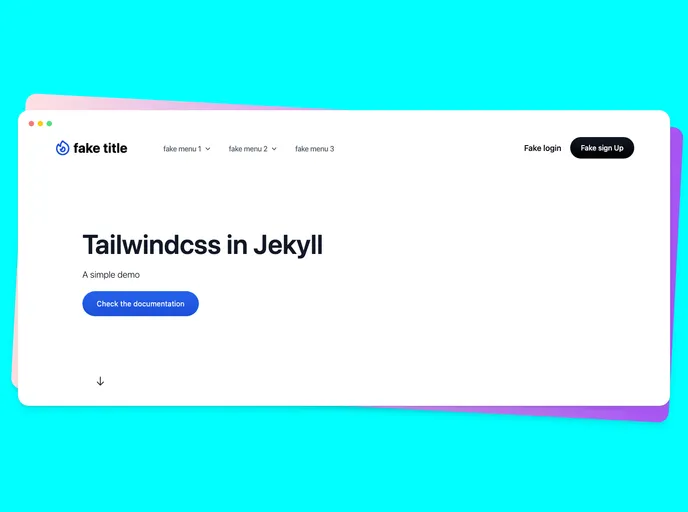
Overview
If you are looking to enhance your Jekyll projects with a modern and responsive design, integrating Tailwind CSS is a fantastic choice. This combination allows for easy customization while harnessing the utility-first CSS framework that Tailwind is known for. With simple setup steps and a plethora of design options, you can create visually appealing websites that are also functional.
Features
- Easy Setup: Quickly get started by cloning the repository and installing the necessary dependencies with a few command-line inputs.
- Modern Design: Leverage the power of Tailwind CSS 3++ to create sleek, appealing layouts that adapt seamlessly to any screen size.
- Sass Integration: Utilize Sass alongside Tailwind for advanced styling capabilities, making your project more maintainable and scalable.
- Local Development: The built-in command allows you to run a local server effectively, enabling immediate previews of your changes as you build.
- Comprehensive Documentation: Access detailed documentation to guide you through the installation process and feature utilization, ensuring a smooth experience.
- Community Components: Use pre-designed components from Tailwind Components to quickly implement stylish elements without having to design from scratch.
- Node.js Compatibility: Ensure compatibility with Node.js version 14, which is supported for deploying your Jekyll sites seamlessly.



































