



 Github Stars:
 Last Commit:
  Created:
Overview:
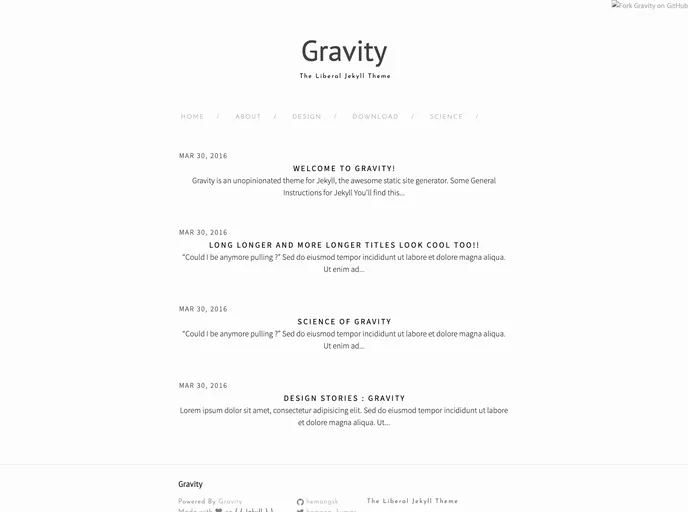
Gravity is a theme that can be used with Jekyll for building websites. It provides a clean and simple design that is suitable for various types of websites. The theme utilizes Jekyll’s built-in SCSS compiler and requires the installation of certain gems for full functionality. With Gravity, users can easily create pages, add posts, and organize content using categories.
Features:
- Clean and simple design
- Easy installation and setup
- Supports pagination for organizing content
- Ability to create and manage posts using Jekyll
- Customizable pages and layouts
- Archive pages for displaying posts based on categories
Installation:
To install and use the Gravity theme, follow these steps:
Install Jekyll if you haven’t already:
gem install jekyllInstall the bundler gem if it’s not already installed:
gem install bundlerInstall the jekyll-paginate gem for pagination:
gem install jekyll-paginateClone or download the Gravity repository.
Run the Jekyll command to generate your content:
jekyll buildAdd your content to the
_postsfolder or create new pages in the root directory.
Summary:
Gravity is a Jekyll theme that offers a clean and simple design for websites. It supports easy installation and setup, allowing users to quickly get started with building their website. The theme provides features such as pagination, customizable pages, and the ability to create and manage posts. Gravity also offers archive pages for organizing content based on categories. With its user-friendly design and functionality, Gravity is a great choice for those looking to create a stylish and organized website using Jekyll.



































