



 Github Stars:
 Last Commit:
  Created:

Overview:
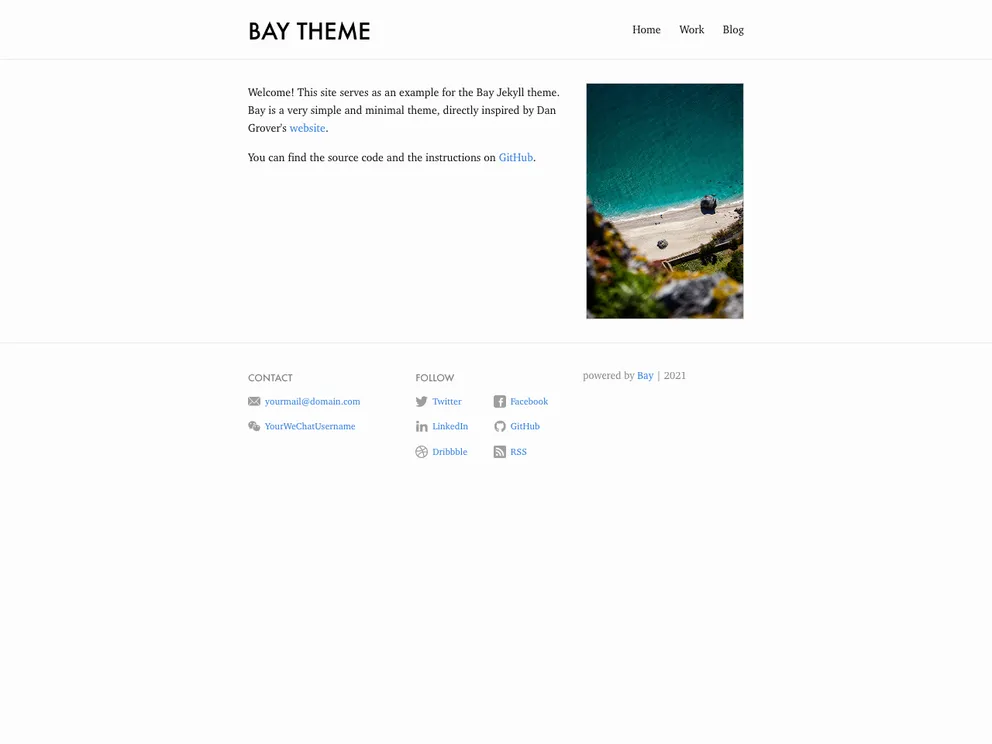
Bay is a simple theme for Jekyll inspired by dangrover.com and currently used at eliottvincent.com. It provides a clean and minimalistic design for Jekyll websites.
Features:
- Minimalistic design
- Clean and readable typography
- Easy customization
- Responsive layout
- Header and footer components
- Home and blog page templates
Installation:
To install the Bay theme, you can follow these steps:
- Fork the Bay repository on GitHub.
- If you want to start from a clean website, create a new Jekyll website.
- Open the Gemfile in the new Jekyll website and replace the line with the following: gem ‘bay’.
- Open the _config.yml file in the new Jekyll website and replace the line with the following: theme: bay.
- Alternatively, if you are using GitHub Pages, replace the line in the _config.yml file with: remote_theme: username/repository.
- Install the dependencies by running the command: bundle install.
- Build the website using the command: jekyll build.
Once the website is built, it may appear somewhat empty at first. Follow the next instructions to complete the header and footer components, and the home and blog pages.
Header:
To update the header, open the _config.yml file and add the following code:
header:
  title: Your Website Title
  subtitle: Your Website Subtitle
Then, re-run the command: jekyll serve to see the header updated.
Footer:
To update the footer, open the _config.yml file and add the following code:
footer:
  social:
    twitter: your_twitter_username
    github: your_github_username
Then, re-run the command: jekyll serve to see the footer updated.
Home page:
To create or edit the homepage, open the index.markdown file and add the following code:
---
title: Home
layout: home
permalink: /
---
Blog page:
To create the blog page, create a new file named blog.markdown and add the following code:
---
title: Blog
layout: blog
permalink: /blog/
---
Now your website is ready with the Bay theme installed and configured.
Summary:
The Bay theme is a simple and minimalistic Jekyll theme inspired by dangrover.com. It provides a clean design with easy customization options. Installation is straightforward, and the theme includes header and footer components, as well as home and blog page templates. With the Bay theme, you can create a professional and aesthetically pleasing website using Jekyll.



































