



 Github Stars:
 Last Commit:
  Created:
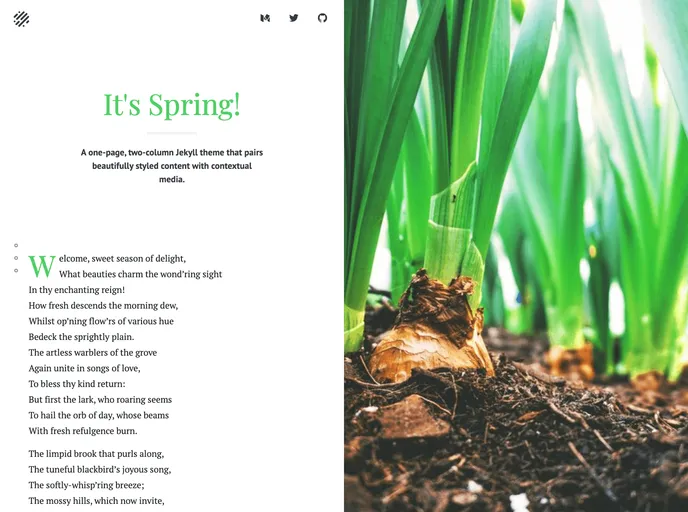
Overview:
This is a one-page, two-column Jekyll theme called Spring. It offers beautifully styled content with contextual media. Although it is no longer actively maintained, contributions are welcome.
Features:
- Fully furnished Jekyll setup
- Customizable options through the _config.yml file
- Dark theme
Installation:
To install the Spring theme, follow these steps:
- Ensure that you have Jekyll, the bundler gem, and yarn (or npm) installed on your computer.
- Clone the Spring repository.
- Install the dependencies by running the following command:
yarn install - Start the Jekyll server on port 4000 by running
yarn start
Summary:
Spring is a Jekyll theme that provides a visually appealing one-page, two-column layout. While it is no longer actively maintained, it offers a fully furnished Jekyll setup with customizable options. It also includes a dark theme feature. The theme can be installed by cloning the repository and installing the necessary dependencies.



































