



 Github Stars:
 Last Commit:
  Created:
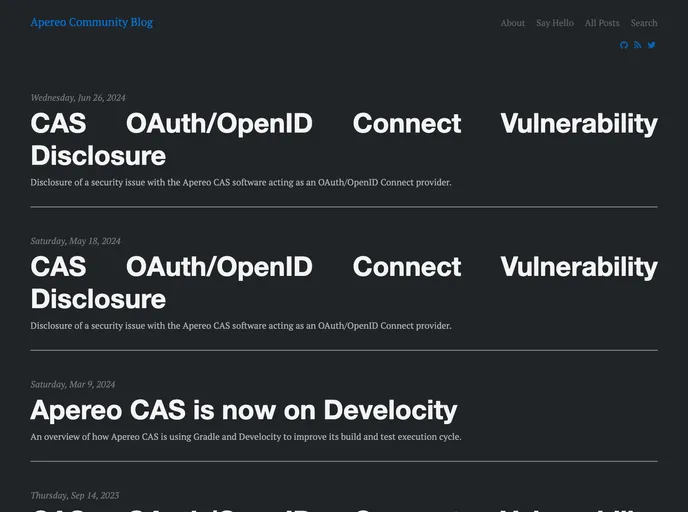
Overview
The Apereo Community Blog is a platform managed and edited by the Apereo project participants and community members. It is used to post project updates, announce news, and share information within the Apereo community. The blog reflects the values of the Apereo Foundation, which promotes openness, inclusivity, collaboration, and innovation in educational organizations.
Features
- Openness: The Apereo Community Blog operates on the principle of openness, allowing community members to contribute and share their thoughts and ideas.
- Project Updates: The blog is primarily used to post project updates, providing community members with the latest information on Apereo projects.
- News Announcements: Important news and announcements related to Apereo and its initiatives are also shared through the blog.
Installation
To locally build and run the Apereo Community Blog, follow these steps:
- Clone the repo to your local machine.
- Run
bundle installcommand (usesudoif necessary) to install the required dependencies. - Run
bundle exec jekyll serve --incrementalto serve the blog and preview any in-development changes. - If you encounter any errors, try running
gem install bundlerand then re-run thebundle installcommand. - Use
bundle checkto check for any dependency problems.
Summary
The Apereo Community Blog is a platform managed by the Apereo project participants and community members. It serves as a hub for sharing project updates, important news, and community contributions within the Apereo Foundation. The blog operates on the values of openness, inclusivity, collaboration, and innovation, reflecting the mission of the Apereo Foundation to support learning, teaching, and research through open technologies. To build and run the blog locally, users can follow the provided installation guide.



































